
Contacts Sources
Each Contact is allocated a Source. This describes how a Contact was introduced to you. For example, Office Visit, Web Site etc.
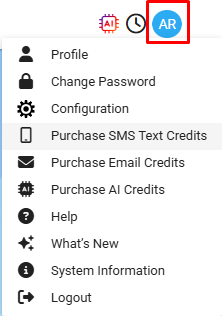
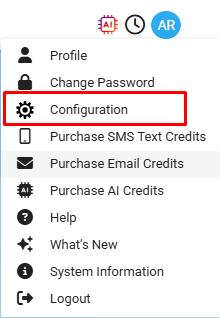
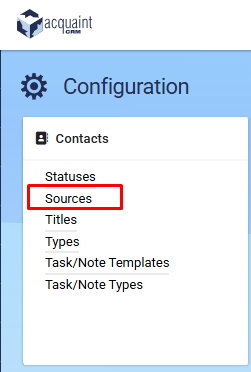
Contact Sources can be accessed from the Profile Icon → Configuration → Contact Sources.
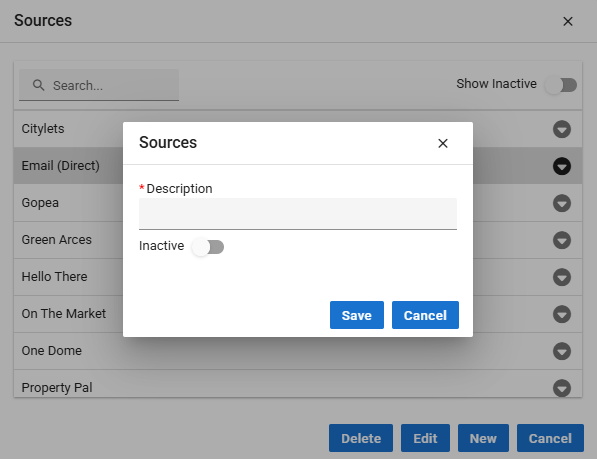
New Sources can be created at any time and there is no limit to the number of them defined.
Description - specify a description for the source.
Inactive - if the Source is no longer to be used. This will stop it appearing in the lookup table.

Acquaint automatically creates a number of default Contact Sources:
Direct Contact
Web Site
Press