Forgotten Password
🔐 Resetting Your Password
If you've forgotten your login password, follow these steps to reset it:
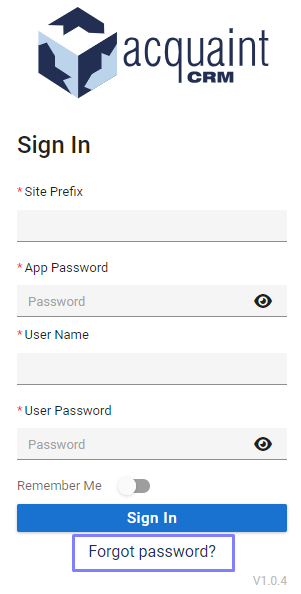
On the Login screen, click the Forgotten Password button.
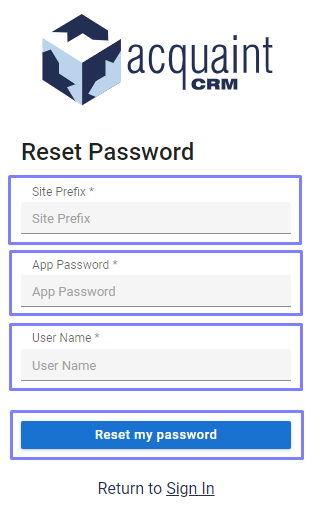
You'll be directed to the Password Reset page (see image below).
Enter the following details:
Site Prefix
App Password
User Name
Click Reset my password to submit your request.
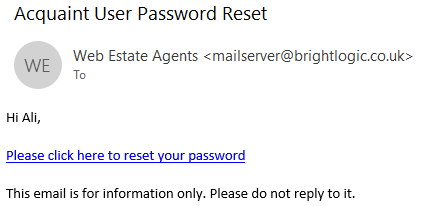
📧 Once completed, you'll receive an email with a link to reset your password. Follow the link to create a new password and regain access to the app.
📧 Password Reset Confirmation
You’ll receive an email containing a secure link to reset your password. Once updated, you can use your new password to log back into the app.
🔐 Completing Your Password Reset
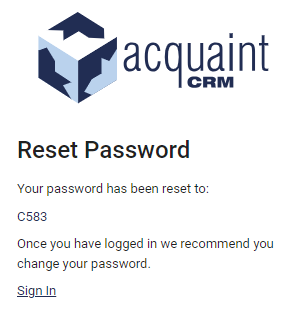
After clicking the reset link in your email, you'll be directed to a new browser page or URL where your new password will be displayed. Use this updated password to log in to the app.