Match and Marketing
You can now match applicants with your available properties on the Web App.
There are simple ways to manage this.
Option 1: Using the Bulk Match and Marketing
Click on the Match and Marketing tab on the side navigation bar.
This opens the Match Properties box as you see below:
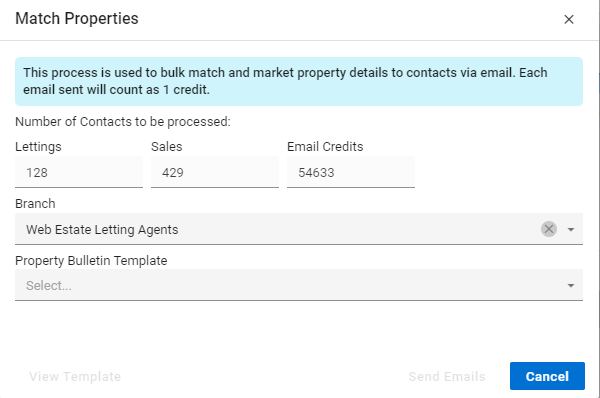
Here you’ll be able to bulk match and market property details to contacts via emails.
This includes Lettings and Sales properties, you are able to also choose which branch and which template you would like to use as well.
This is incredibly helpful especially if you use different templates than the provided ones.
Once you are happy the “Send Emails” button will be available and clickable, this will send the emails behind the scenes. This means however if you start the process it cannot be cancelled.
Option 2: Matching from a Property.
You can find the Action menu on the top right of the property screen.
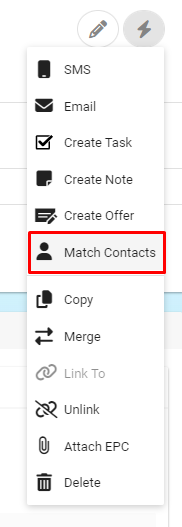
From this menu you select the “Match Contacts” option.
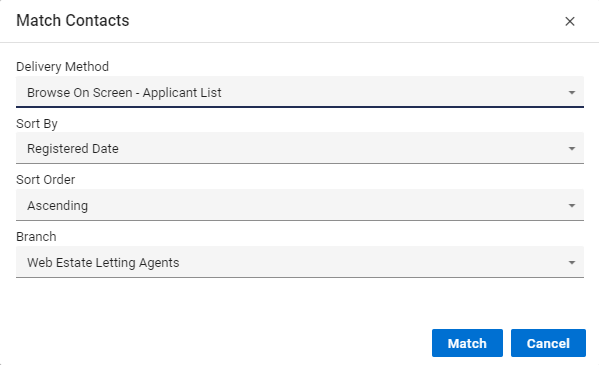
Here you can select as normal the Delivery Method, normally if you are looking to send emails you’d select the “Email Property Details” option.
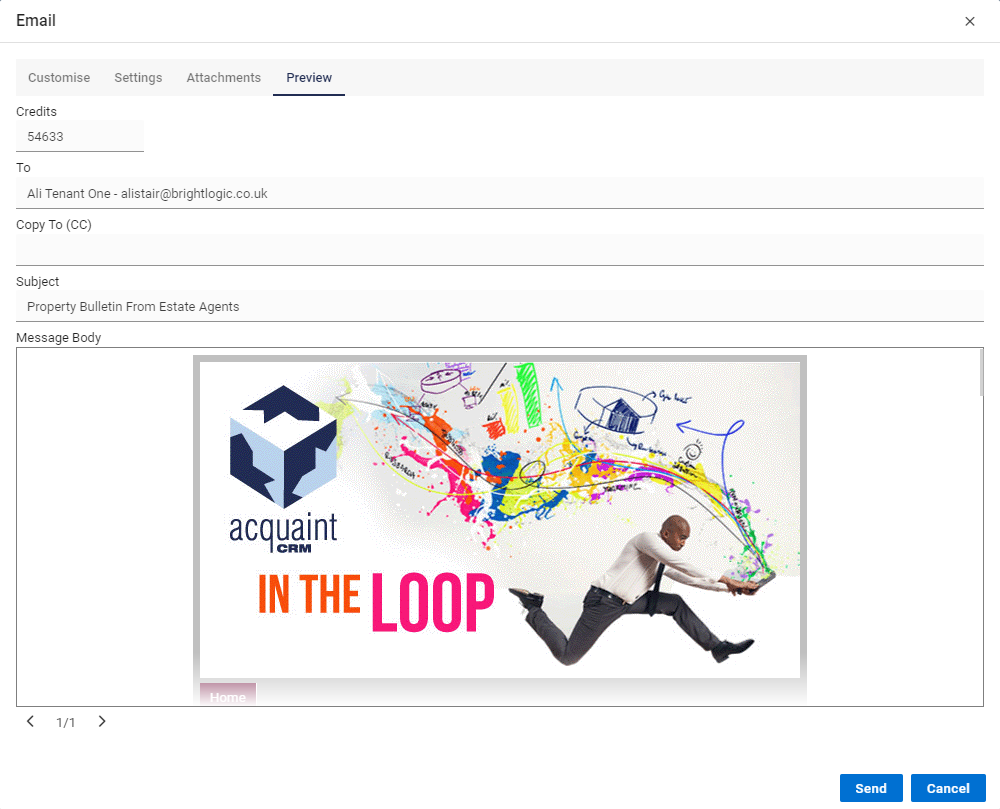
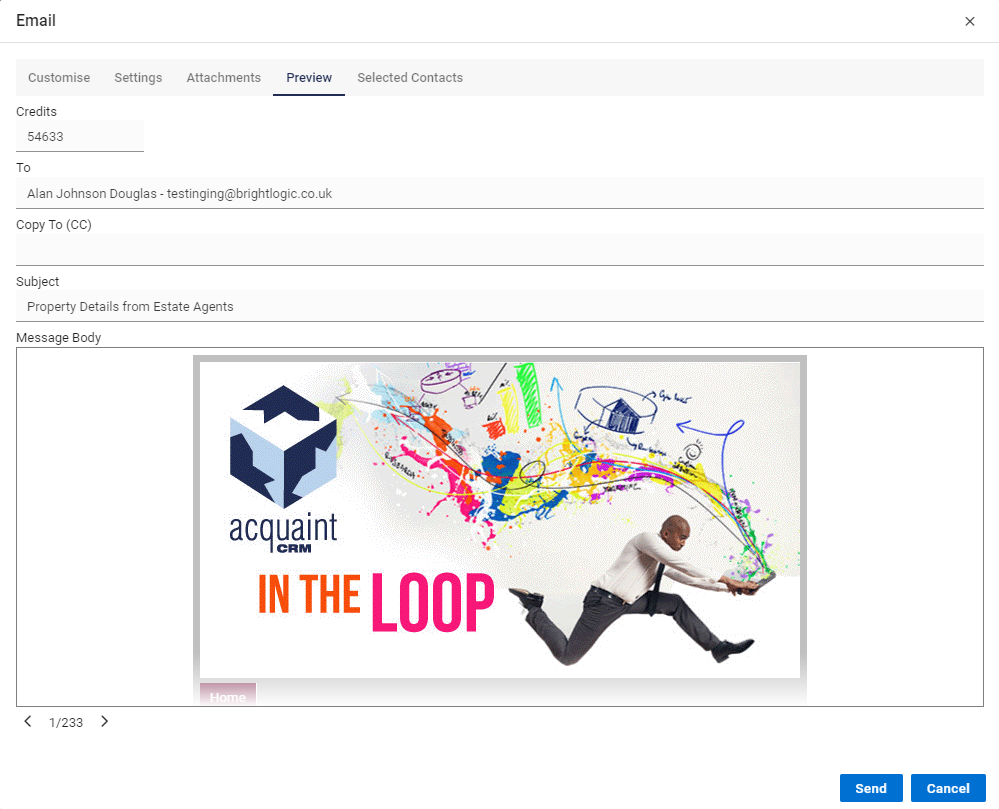
You can now preview and send the emails off or if you need to amend the email you can go to the Customise tab and make any amendments.
It is still possible to exclude contacts as well, this is by clicking the “Selected Contacts” Tab and clicking the slider to remove that person from the sending of emails.
Option 3: Matching from a Contact.
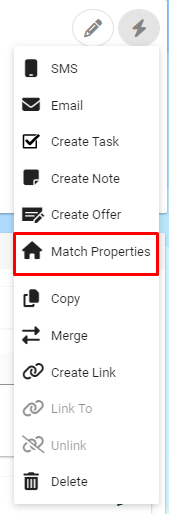
On the Contact you wish to Match Properties to you can find the Action Menu in the top right hand corner of the screen.
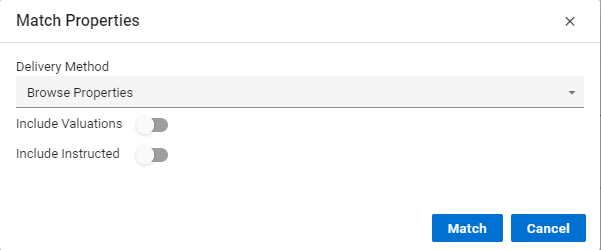
You are able to include valuation and instructed properties at this point if you are needing to send these out too.
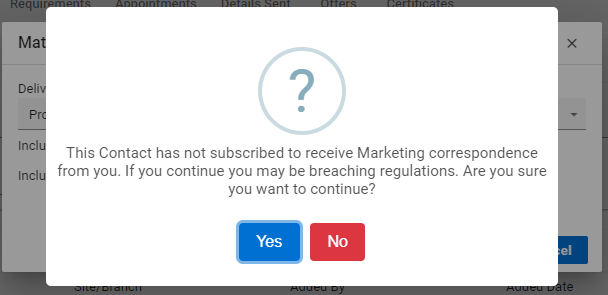
At this point in time the system will tell you if this particular Contact has subscribed to Marketing. If they haven't you’ll receive this message when you click the Match Button.
Finally you’ll be able to send out the Property Bulletin to this Contact, which will have as many properties as the Contact is eligible for.