Room Templates
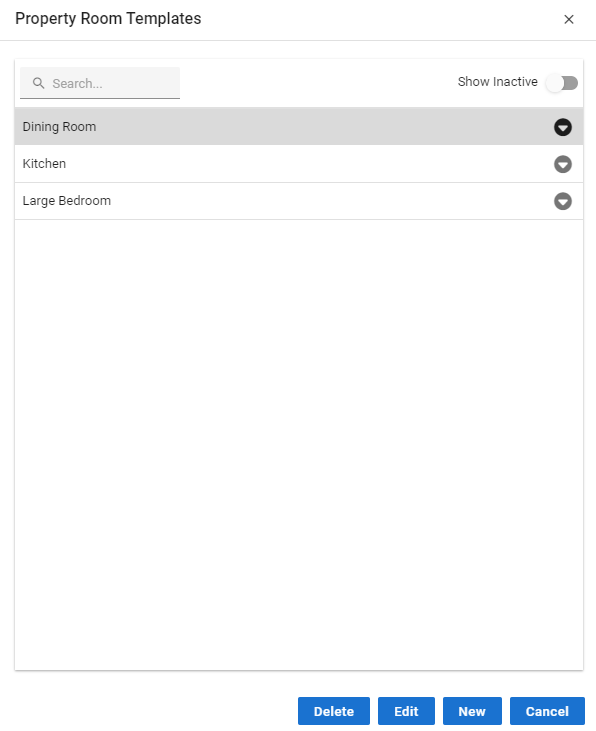
Room Templates can be created for frequently described Rooms.
Room Templates can be accessed via the Profile Icon → Configuration → Room Templates.
Each Room Template stores the following information:
Template Description
Room Description
Room Full Description
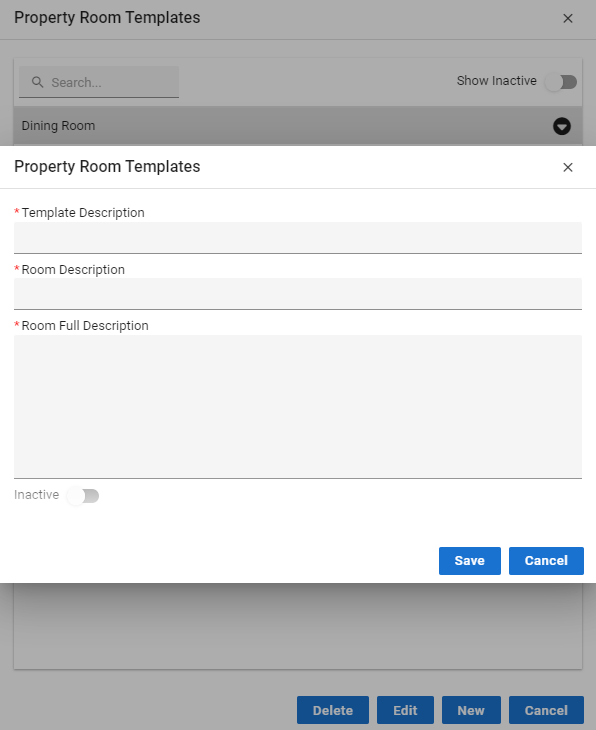
Inactive - select this slider if the Room Template is no longer to be used. This will stop it appearing in the lookup table.
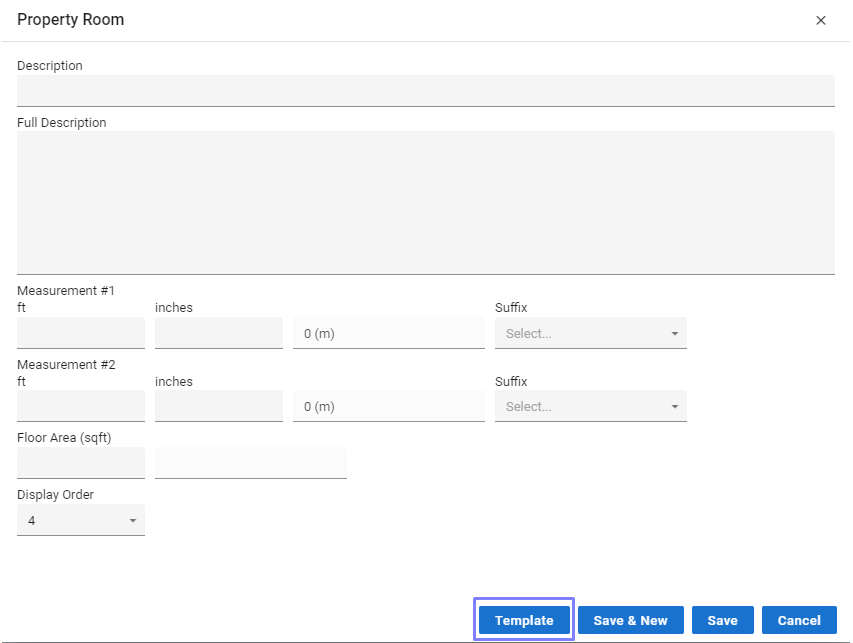
When you click the Add button on the Room tab click the Template button and you will able to select from your list of Room Templates.