
User Types
Each User is allocated a Type. This describes which functions and processes are permitted to be used e.g. a Manager will be able to do everything, whereas an Office Junior may be restricted.
User Types can be accessed directly from the User Types tab on the System Configuration screen from the User Profile Menu.
Users can be created at any time and there is no limit to the number of User Types defined.
Each User Type has the following fields:
Description
System Administrator - if toggled on then permission to use all functions and processes is granted
Permissions - a list of functions and processes that can individually be granted permission to by selecting the relevant check box.
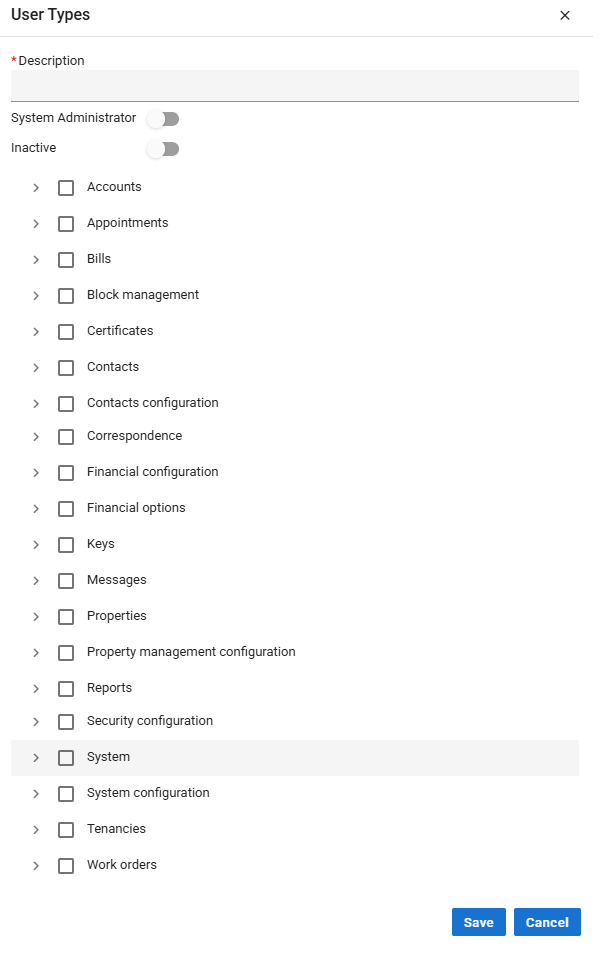

Acquaint automatically creates a System Administrator default User Type with the System Administrator field toggled on.