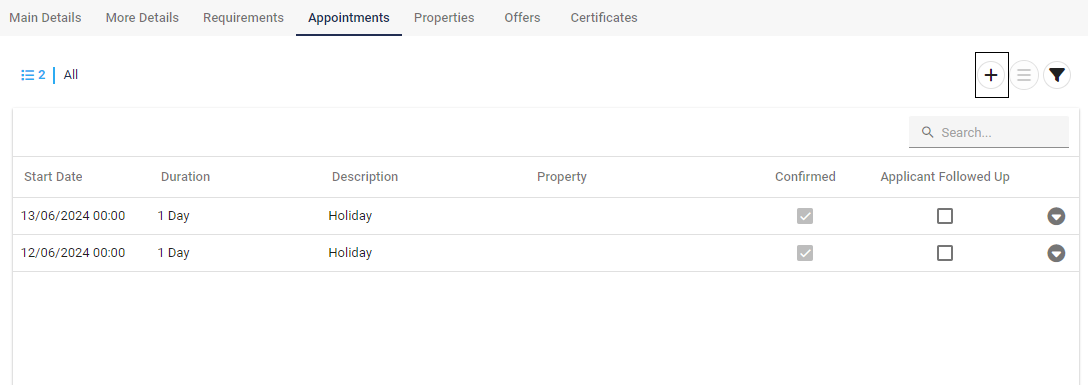
Contact Appointments
📆 Managing Appointments in a Contact Record
Within each Contact record, you’ll find an Appointments tab—this section allows you to manage scheduled interactions effortlessly.
From this tab, you can:
Add new appointments
Edit existing entries
Delete appointments no longer required
In the example shown, Mr. Reynolds has two appointments scheduled for the current week, providing an easy reference to his upcoming engagements.
✅ Tip: Regularly updating the Appointments tab ensures clear communication and accurate scheduling across your team.
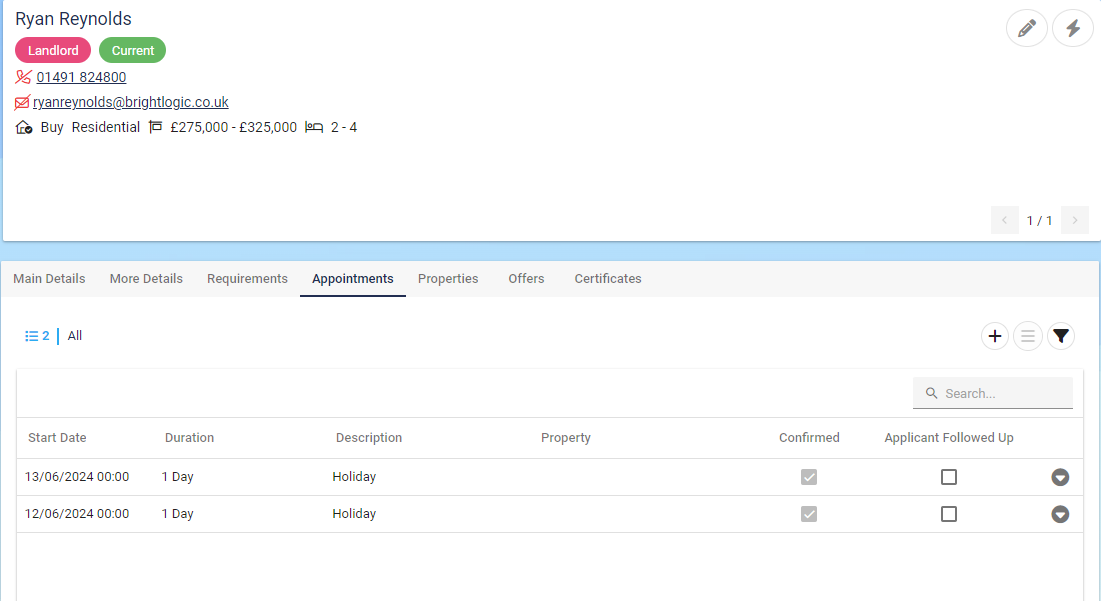
➕ Scheduling New Appointments
To schedule a new appointment for the Contact:
Click the “New Appointment” button located within the Appointments tab of the Contact record.
This opens the appointment entry screen where you can specify details such as date, time, type, and notes.
✅