Contact Requirements
To specify a Contact's Property Requirements, from the Contact's screen click the Requirements button located below the Contact Summary Card.
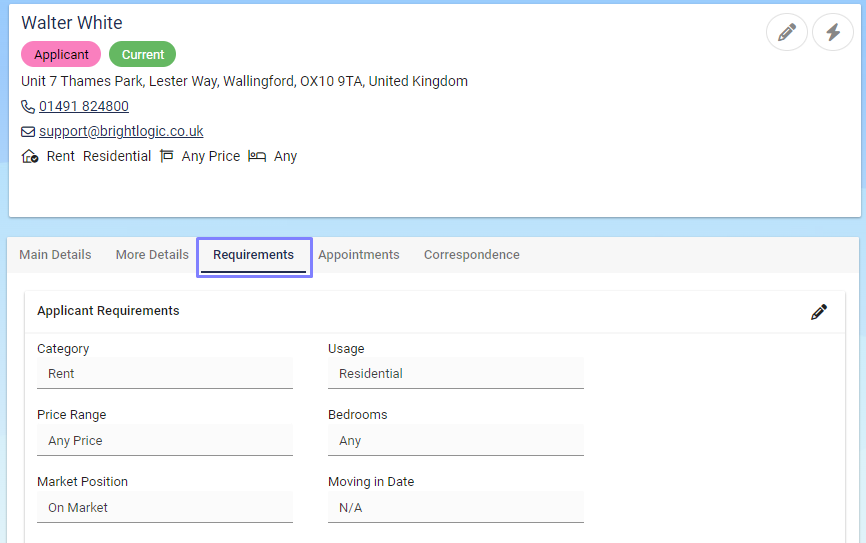
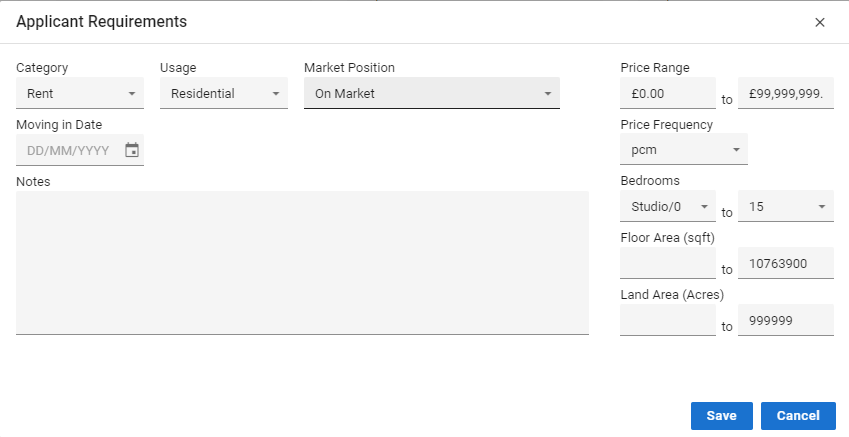
The Requirements screen displays a number of fields used to establish the Contact's property requirements.
The information is used to perform Applicant Matching, thus the more accurate the requirement information is made, the more accurate the matching will be.

Once set the Category, Usage, Price Range and Bedrooms will be displayed on the Contact Summary Card.
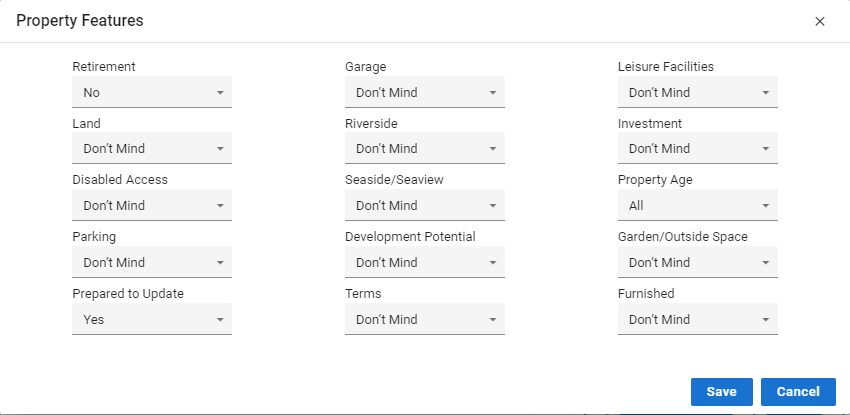
Under the Applicant Requirements we have Property Features.
Including these as well will greatly enhance your applicant's chances of receiving an accurate match.
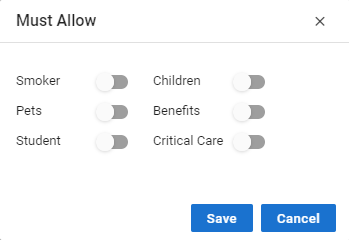
Property Areas and Property Types are a must.
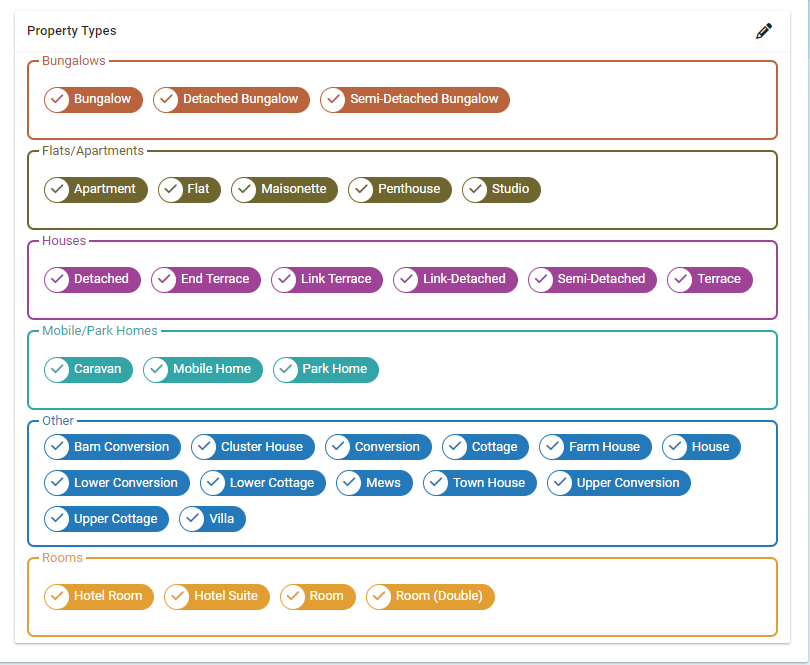
If your applicant is searching in multiple areas or for more than one type of property tick them on, this will open a wider range of properties for your applicant to be matched too meaning more chance they will find something they want.
Property Types have been colour coded to split between housing categories.
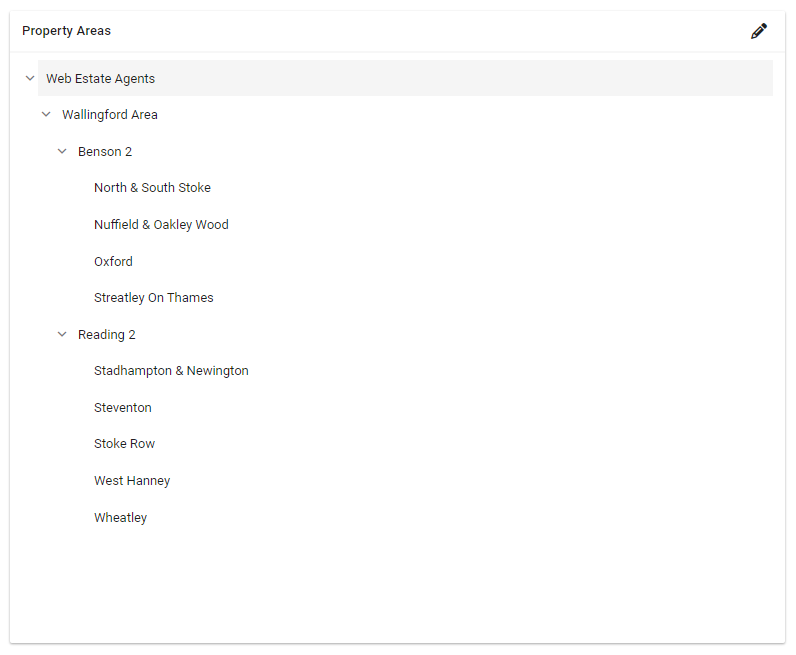
Property Areas will display as below.