
Deleting a Property
🗑️ Deleting or Archiving a Property in Acquaint
While you can remove Property records in Acquaint, deletion is only possible under specific conditions—and alternatives may be more suitable.
🔍 How to Delete a Property
Locate the Property using either the Find option or the Property List.
Open the record and click Delete from the Action Menu.
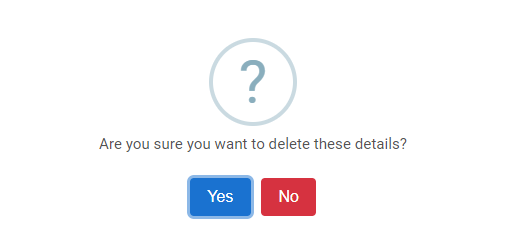
⚠️ You cannot delete a Property if it has linked records such as Appointments, Offers, or Certificates.

🗄️ Recommended Alternative: Archive the Property
In cases where deletion isn't possible (or advisable), consider updating the Property’s Status to one of the following:
Not Available
Archived
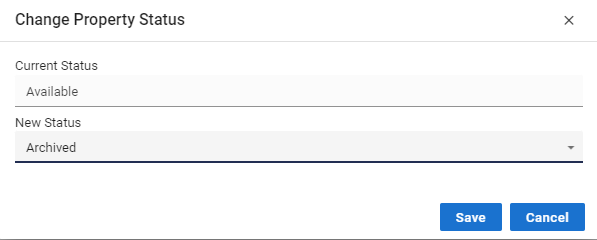
✅ This keeps the record out of active listings while preserving historical data and system integrity.
📦 Why Store Inactive Properties?
Even outdated properties contribute value:
Supports Postcode Lookup, improving future data entry and accuracy
Has minimal impact on disk space, especially with modern storage capabilities.