
Deleting an Appointment
🗑️ Deleting Appointments
Removing an appointment is simple and straightforward:
Locate and click on the appointment you wish to delete.
Open the Action Menu (usually indicated by a gear or three-dot icon).
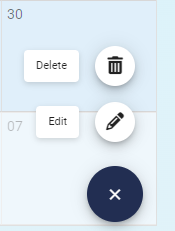
Select Delete from the available options.
⚠️ Tip: Always confirm you’re deleting the correct appointment—this action may be irreversible depending on your system settings.
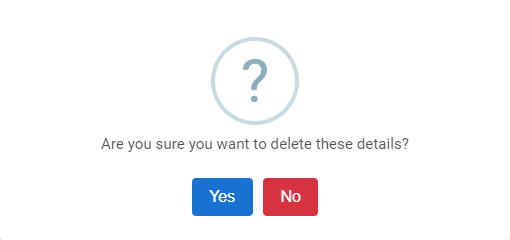
Select Yes to Delete the Appointment or select No to stop the removal of the Appointment.

The other option is to left click on the Appointment and press the Delete key on your keyboard.