Details Sent
✉️ Viewing "Details Sent" in Acquaint
The Details Sent section is available on both the Property Record and Contact Record, but the information displayed differs slightly depending on where it's accessed.
🏡 Details Sent from a Property Record
This view provides a summary of all Contacts who’ve been emailed about the specific Property you’re viewing.
You’ll see a grid view showing:
The date and time the Property Details Email was sent
The Contact it was sent to
For example:
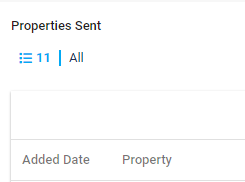
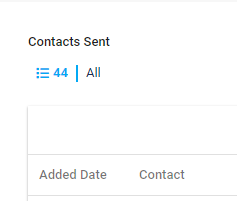
This Property record shows that 44 Contacts have received a Property Details Email.
✅ Tip: Use this tab to track marketing activity and ensure the right contacts are being reached for specific properties.
✉️ Viewing "Details Sent" from a Contact Record
In addition to the Property record, you can also access the Details Sent tab from a Contact Record to track which properties have been shared with a specific individual.
🗂️ What You'll See:
A grid listing every Property Details Email sent to this Contact
Each entry includes:
The date and time the email was sent
The Property address linked to the email
This view provides a quick reference for follow-ups and helps ensure no duplicate communications are made.
✅ Tip: Use this tab to track engagement and tailor future communications based on what’s already been shared.