Editing an Appointment
✏️ Editing Appointments
Editing appointments is a key part of diary management. Changes may be needed for a variety of reasons—such as when a staff member becomes unavailable and the appointment must be reassigned.
Common Reasons for Editing an Appointment:
Rescheduling the date or time
Reassigning the appointment to another user
Updating the appointment type (e.g., Meeting, Viewing, Call)
Confirming appointment details with involved parties
Adding follow-up actions or notes
Adjusting reminder intervals to ensure timely notifications
✅ Tip: Keep appointment records up to date to ensure smooth communication and accurate scheduling across your team.
🛠️ Editing Appointment Details
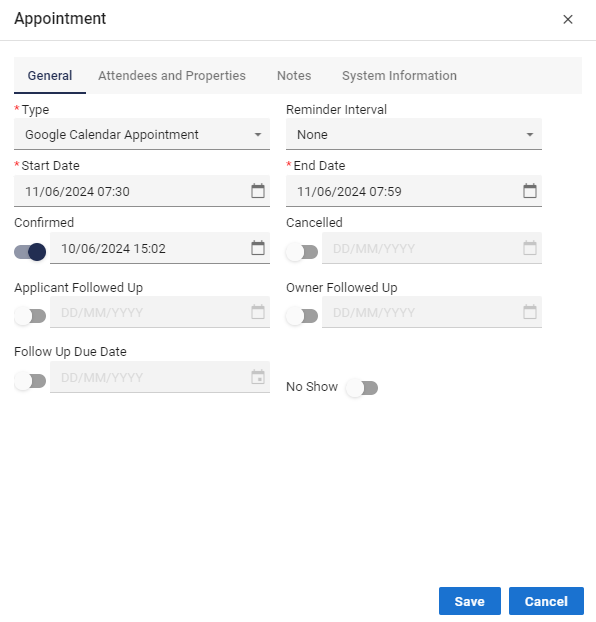
To modify an existing appointment, simply double-click on it within the Diary or Appointments tab. This will open the appointment editor, allowing you to make a variety of updates:
Change, update, or amend Attendees
Link or modify the associated Property
Add or revise notes relevant to the appointment
✅ Tip: Use appointment notes to capture context, instructions, or post-meeting actions—helping keep communication streamlined and accessible.