Feedback
🗣️ Introducing Feedback in Acquaint Web
We've recently added a Feedback feature to enhance tracking and follow-up on appointments within Acquaint Web.
You can access Feedback from two key areas:
Within the Diary, linked to each appointment
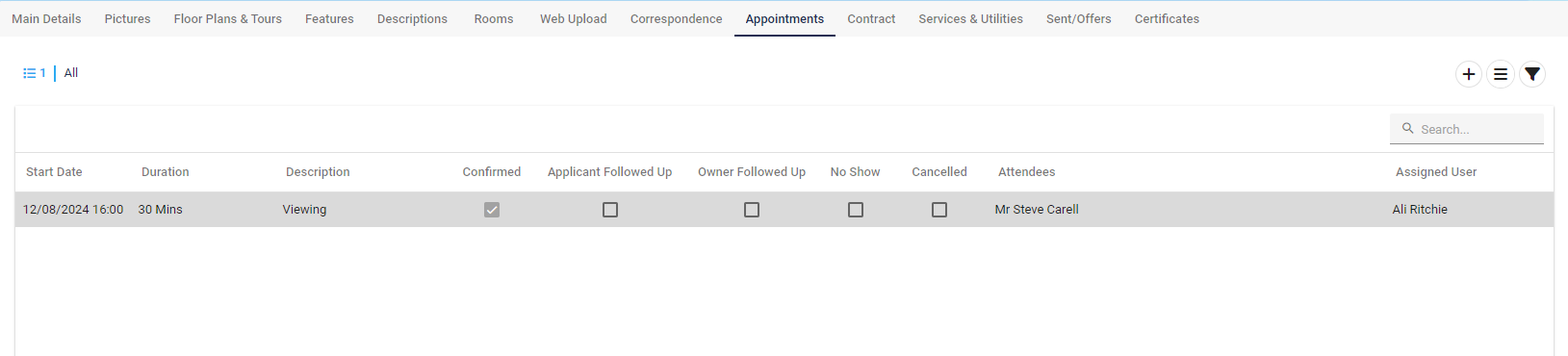
On the Appointments Tab in the Property Record
📝 How to Enter Feedback
To log Feedback for an appointment:
Open the Diary and select the relevant appointment.
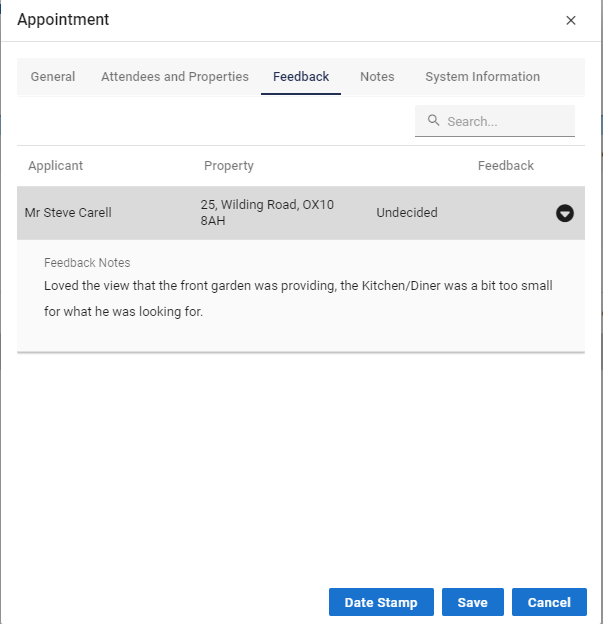
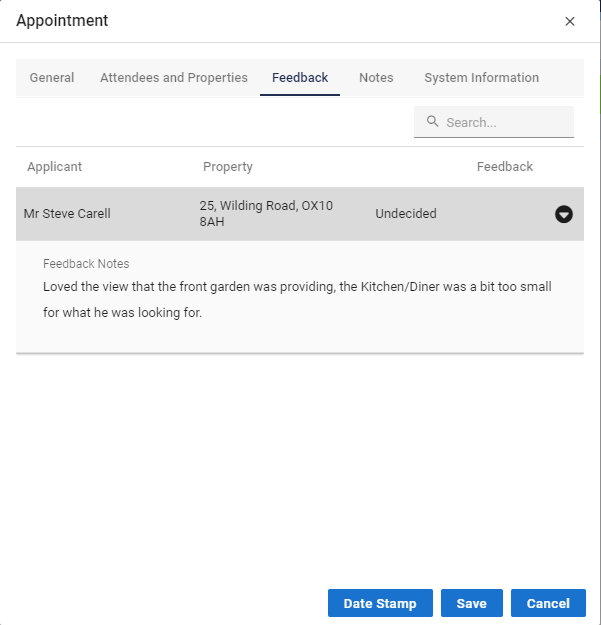
Click on the Feedback tab within that appointment.
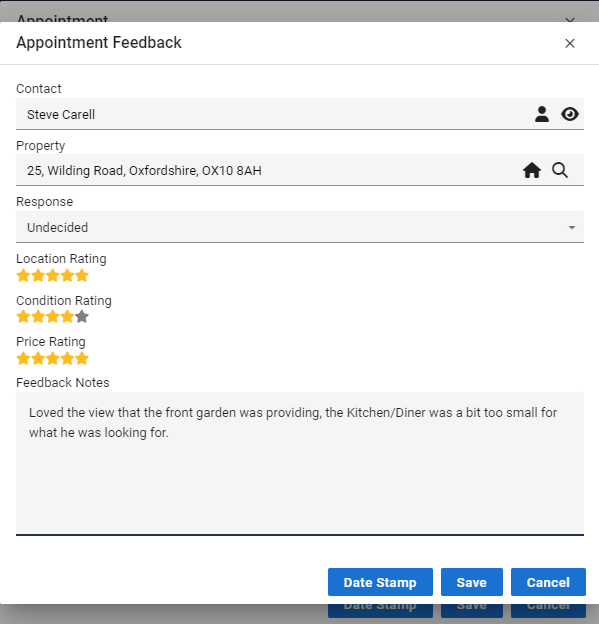
Locate the listed Contact, then double-click their name to open the feedback entry screen.
Enter the required details and save your input.
✅ Tip: Use Feedback to capture insights from viewings, calls, and meetings—keeping your records complete and actionable.
🗣️ Accessing Feedback from Property or Contact Records
You can also view and enter Feedback directly from a Property or Contact record. This provides an alternative route for reviewing appointment-related responses.
Steps:
Navigate to the relevant Property or Contact record involved in the appointment.
Click on the Appointments tab to view scheduled interactions.
Double-click the appointment you wish to review.
In the appointment details window, click the Feedback button to open the Feedback entry screen.
✅ Tip: Using both the Diary and Contact/Property records ensures no feedback is missed—perfect for keeping communication thorough and searchable.