Merging Contacts
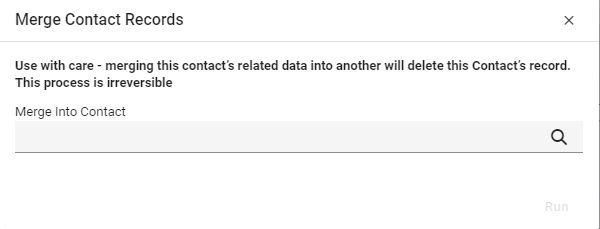
There may a scenario where a Contact has been duplicated. The Merge Contact function will Merge one Contact's data into another and delete the currently selected Contact.

The Merge Contact process is irreversible
Find the Contact you want to Merge from (this is the Contact that will be deleted). From the Action Menu tab select Merge Contacts.
From the Merge Contacts Records screen use the drop-down arrow to find the Contact you are merging into.
Click Run.