
Unlinking Contacts
Unlinking Contact records
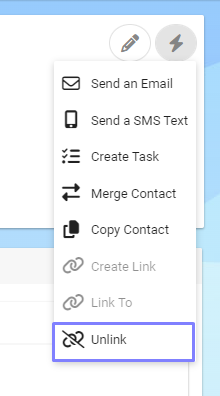
To unlink a Contact record, find the Linked Contact and under the Action Menu, select the “Unlink” option.
This will remove the link that we had between the Contacts.

When you delete a Primary record it will un-link related records.