
Artificial Intelligence
🤖 AI-Assisted Content Creation in Acquaint
Acquaint includes built-in support for Artificial Intelligence (AI) to assist with generating written content. This feature is available for specific tasks such as crafting property descriptions and composing marketing emails, helping streamline communication and enhance productivity.

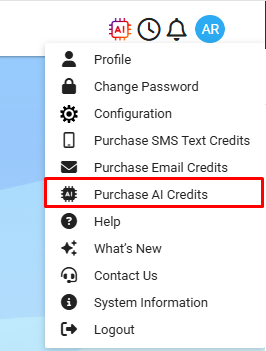
You can Purchase AI Credits from the User Profile Menu.
💡 Using AI Credits
Once purchased, your AI credits can be used flexibly whenever inspiration strikes. For example:
You can write your own property description manually without spending a credit.
If you'd prefer a boost of creative input, simply use a credit to generate a full, AI-assisted description.
This allows you to balance personal control with creative efficiency—whenever you choose.
Where AI Assistance Is Available
You can access the AI content generation feature on the following screens:
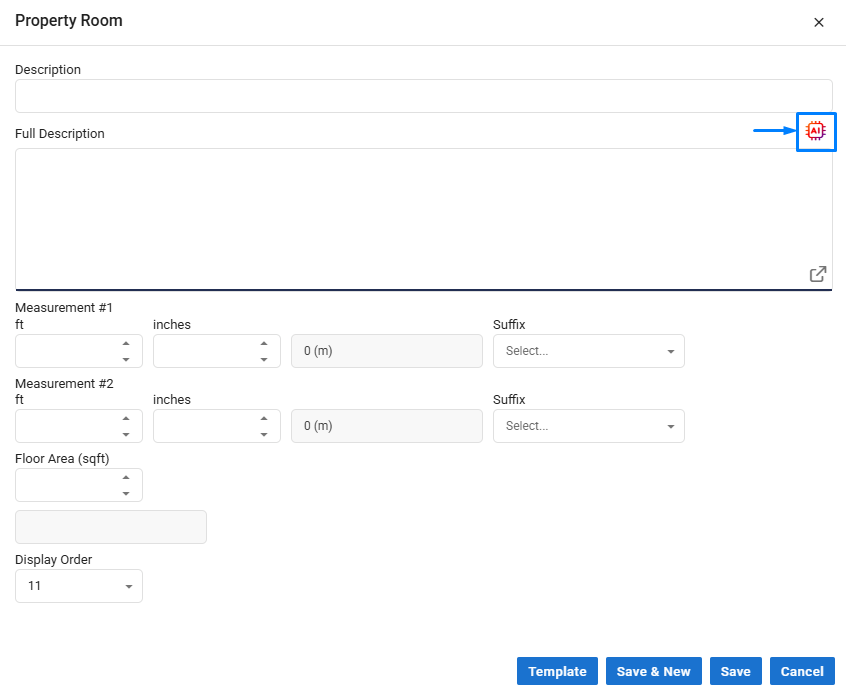
Property -> Details #2 – Full Description
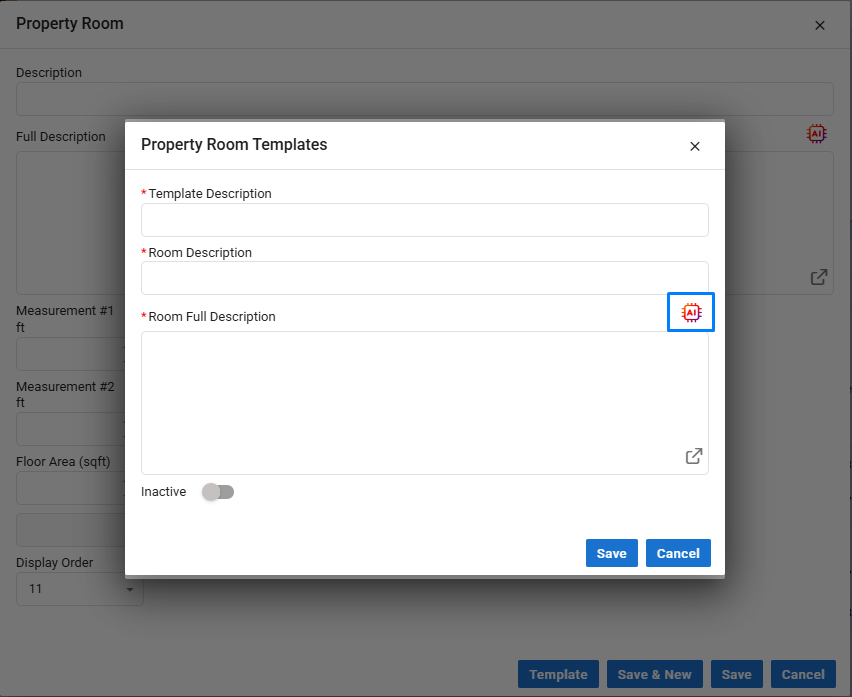
Property -> Rooms / Rooms Template – Full Description
Email / Email Template – Body section
SMS / SMS Template – Body section
This allows you to streamline content creation across property listings and communications with ease.
When using the Property Room Templates you can also create an AI description using the AI generation button.
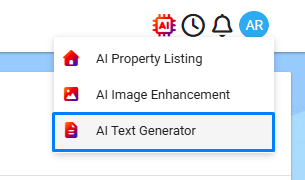
Using the AI Generator
From one of the supported screens listed above, click the AI icon.
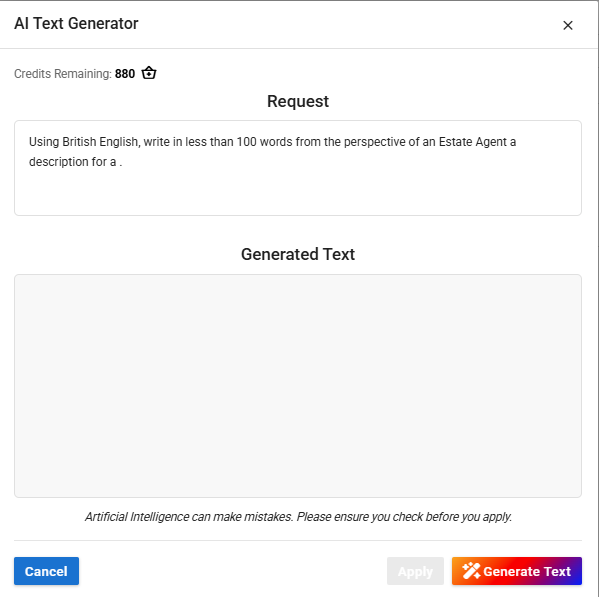
The Request field will be pre-filled with example text to help you get started. You can edit this prompt as needed, this is what the AI will use to generate new content.
Click Generate Text to submit your request.
The result will appear in the Generated Text box. Feel free to review and edit the content to suit your needs.
Once you're happy with the result, click Apply Text to insert it directly into the relevant field.
Regenerating AI Text
If you're not satisfied with the initial result, you can click Generate Text again to overwrite the existing output with a new version.
💡 Tip: For a noticeably different result, consider updating the prompt text, repeating the same prompt will often produce similar content.